Test the full working arrangement
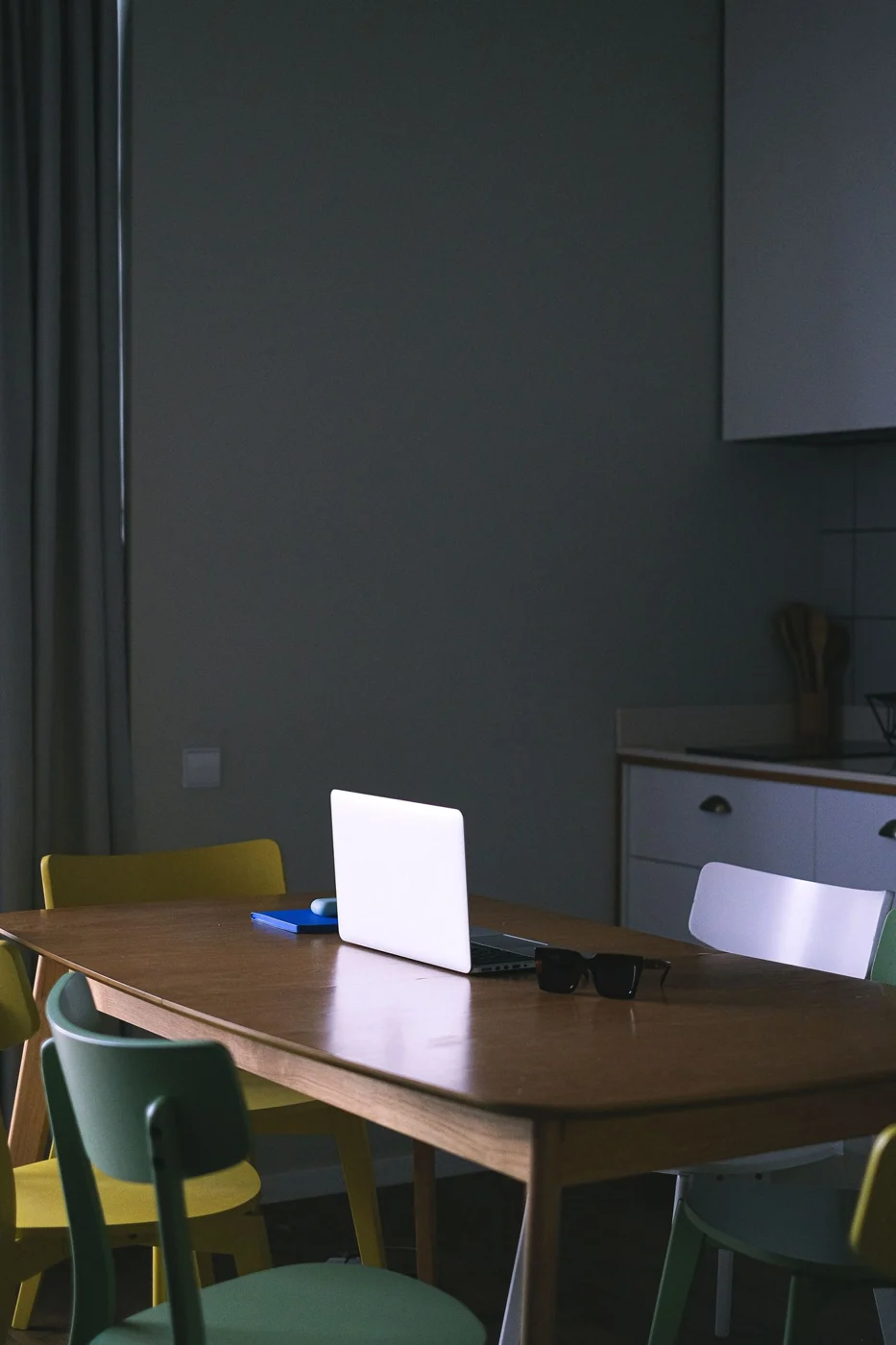
Do not clear space only for the laptop. Lay out everything the task requires, including a keyboard, mouse, papers and lamp where needed. Then check the remaining room for hands and movement. A table can look generous while a deep apron or awkward legs leave limited usable seating space.
Use the intended chair and carry out the activity for a while. The combination should suit the individual. For regular longer screen sessions, dining table is neither an automatic approval nor a reason for rejection; the full arrangement matters. If it cannot be adjusted suitably, the work needs another place or appropriate equipment.
When the table changes twice a day
When work clears away for lunch every day, the number of individual steps matters. Use a timer as an observation tool rather than a performance target: which actions actually take time? The difficulty may be loose papers without a destination rather than the devices. A defined paper container can then help more than a new table.
Shared items, such as a pen or suitable lamp, may remain in a fixed edge position where they do not interfere with meals. Personal work materials are cleared completely. Make the distinction understandable so important notes do not accidentally end up among dishes.
For another afternoon session, keep materials in the same order on their storage surface. Work can then resume without sorting everything again. Still consider whether the double use suits the longer-term routine. An effective temporary place is recognised by an easy transition, not elaborate packing away.
Choose a defined working side
Where others use the table at the same time, establish a working side. This separates drinks, meal items and work materials. A mat may identify the area, but should not slip or provide an unsuitable support for devices. Keep ventilation openings clear according to the equipment instructions.
Check cable routing from the chosen seat. A lead across the kitchen route is not a useful ongoing arrangement. Another side may offer a safer connection and better light, even if the first position looks calmer. Test while people use the room's ordinary routes rather than only while everyone remains seated.
Clearing away needs a destination
Before the first long session, decide where the equipment goes for meals. A tray can collect small items; the laptop and papers need a stable, adequately sized resting place. The floor beside the table is not a good substitute where chairs will move afterwards.
Rehearse clearing everything. If many leads need disconnecting, an identified connection area can help. Sensitive papers belong in suitable closed storage. Avoid stacking equipment so high that each item needs supporting separately during the next setup. A compact pile is useful only if it remains easy to handle.
Return the table to its other use
After work, the other functions should genuinely become possible. Do not leave merely a narrow strip for plates while devices occupy the edges permanently. Clean the surface appropriately and return equipment after the meal only once the table is dry and clear.
After a week, assess whether the changeover is easy enough. If work repeatedly remains in place and meals must move elsewhere, the arrangement is no longer temporary in practice. A more permanent workstation or another storage system then makes more sense than adding more little containers to the dining table.