Shared does not mean identically adjusted
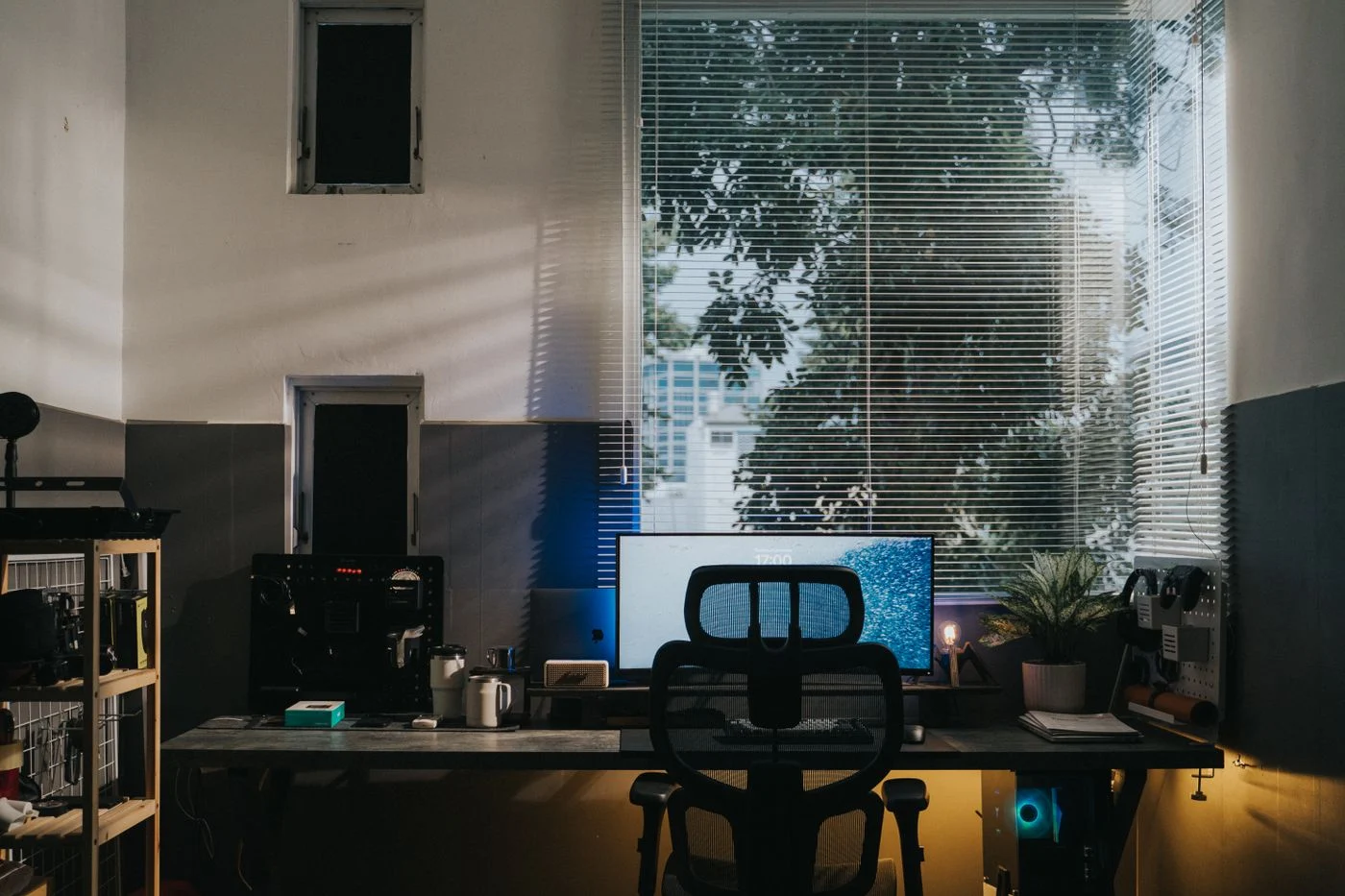
Two people at one table may need different seat heights, screen positions and equipment arrangements. A shared setup should permit those differences. Begin with separate trials. Each person arranges the place for their own task and records what needed changing. Compare the results rather than assuming an average position will automatically suit both.
Differences involve more than body size. One person may consult many paper documents while the other works almost entirely on screen. One needs a wider mouse area, another a clear space for drawing. These working methods affect layout just as adjustable furniture does. The shared desk does not need to look identical for both users.
Changing between different working hands
If one person uses the mouse on the left and the other on the right, changing chair height is not enough. Keep both sides of the keyboard available as possible movement areas. A fixed storage compartment immediately alongside can obstruct the change. Check the cable reach of a wired mouse in both positions too.
The same applies to paper and the task lamp. The useful direction of light for writing may change. An adjustable lamp should reach both required positions without rebuilding the desk, where its construction permits. Do not treat a decoratively symmetrical position as the only correct setting.
A shared pen cup or notebook may work better in a neutral reachable place than at one far edge. Trial the change with the small objects actually used daily. These details often determine whether an otherwise suitable arrangement remains straightforward when the user changes.
Make the adjustments understandable
Check which settings can be changed without tools and which are needed regularly. A chair may have many functions that remain unused because the controls are unclear. Show each other the relevant movements and keep the manual accessible. A short personal note can supplement the instructions, but should not replace safety-related requirements.
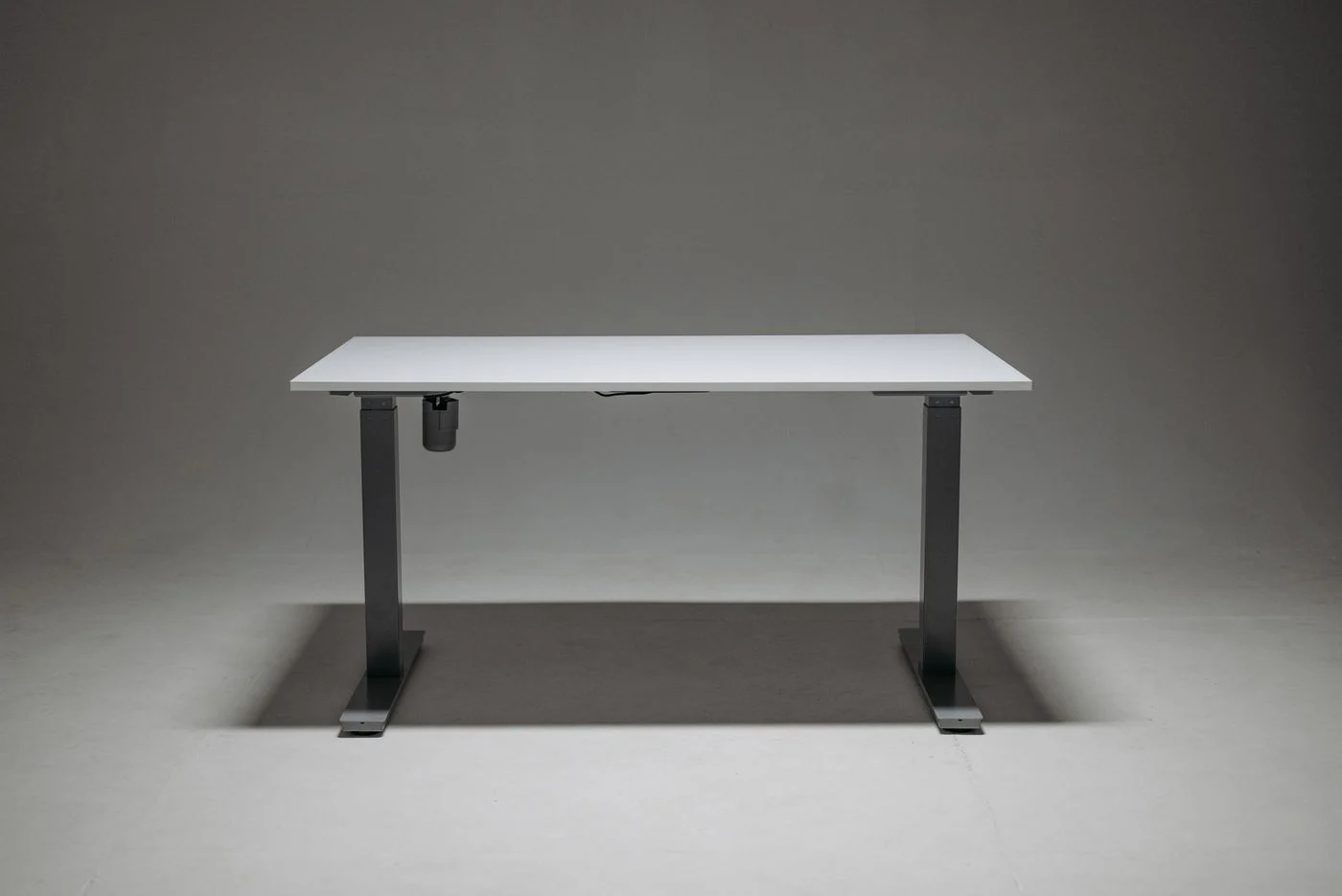
With adjustable desks, test movement clearances and cables across all used heights. A stored position may simplify the changeover, but is not automatically right for every activity. Continue checking the setting against the actual equipment. A different display or new keyboard can change the relationship even when the furniture remains unchanged.
Keep personal material separate
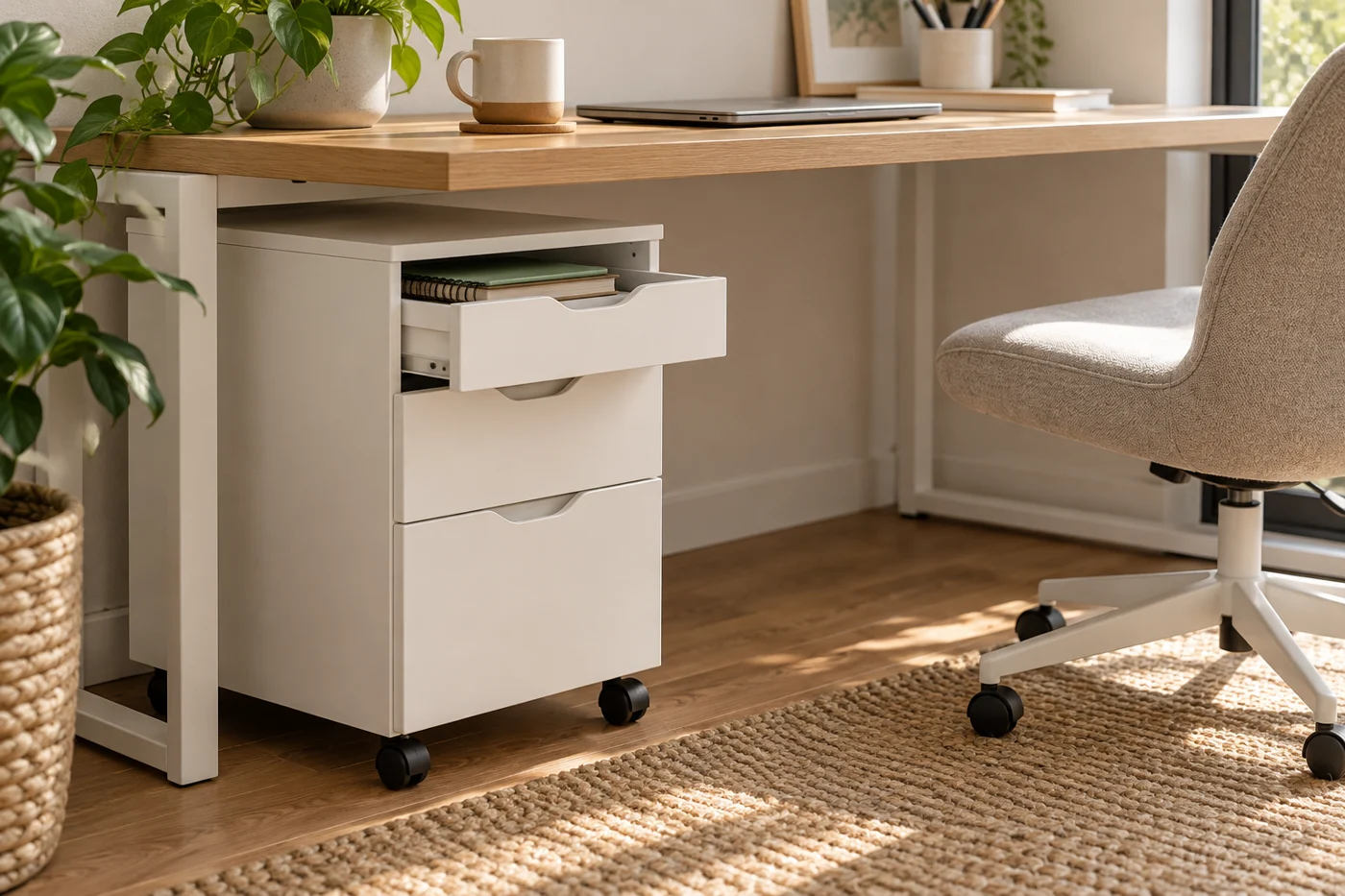
Give each person a container or storage place for notes and small accessories. Changeover becomes easier when every small item does not need reallocating. Shared objects stay in a fixed position; personal ones return to their own storage after use. This simple distinction prevents the last person working from unintentionally occupying the entire area.
Sensitive documents and access to equipment also need clear personal responsibility. For furniture planning, this means providing an appropriate storage option. An open compartment does not suit everything simply because it is conveniently reachable. Specific information-security and access requirements must be handled separately according to the situation.
Trial a short changeover sequence
The person finishing removes personal documents and leaves the shared surface usable. The next adjusts the seat and equipment and checks the display. This should involve a few understandable steps. If it regularly takes longer than the brief task itself, the setup is too complicated for that use.
After several days, notice which adjustment repeatedly gets skipped. Perhaps its control is difficult to reach, storage is unclear or moving the display threatens loose objects nearby. Address the cause. A shared workstation succeeds because each person can establish a suitable arrangement without a major rebuild, not because both adopt the same position. Keep refining the steps that occur at every change rather than adding features that neither person uses.