Begin with a side-on relationship
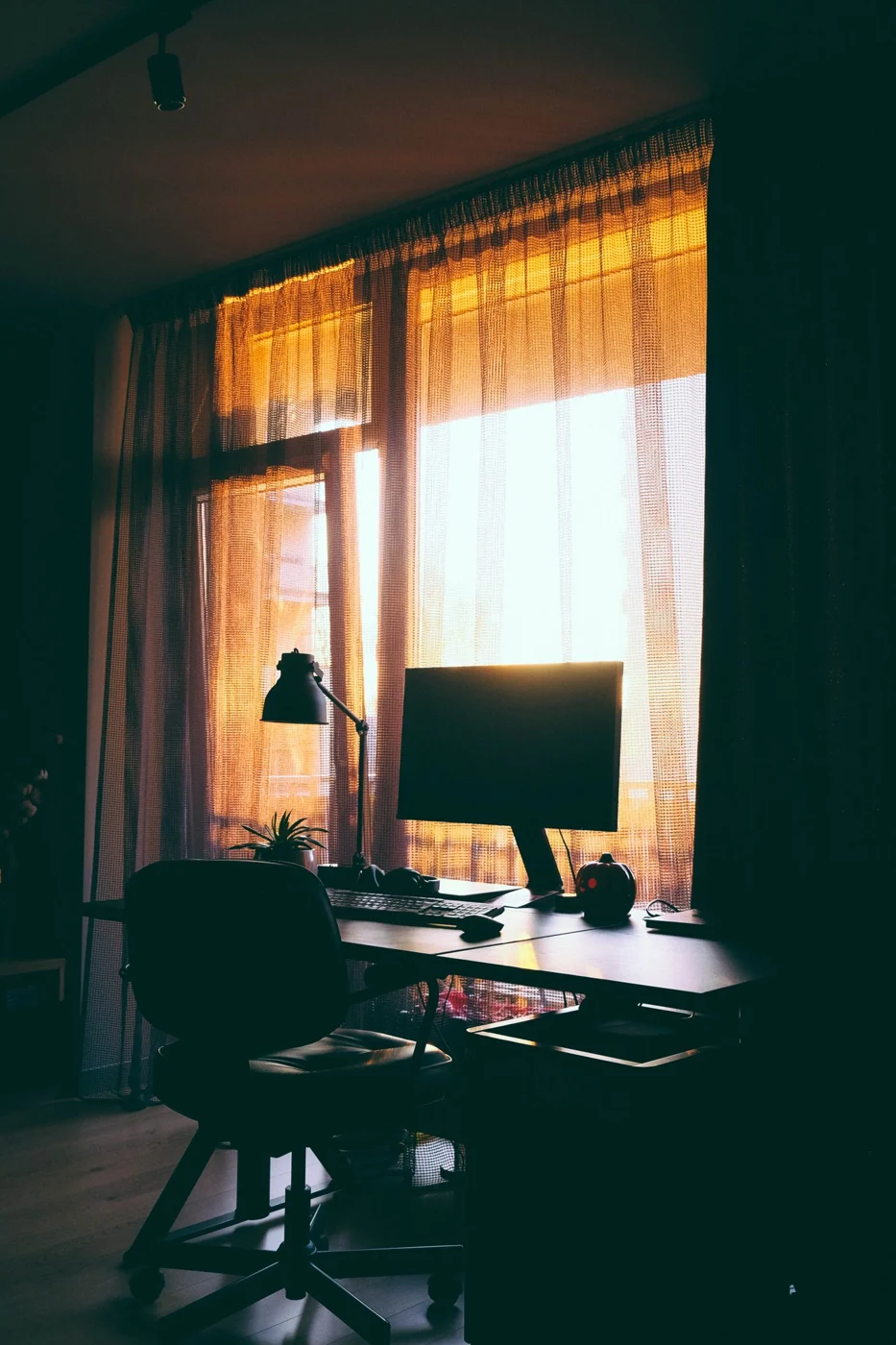
Start with the window to the side of the viewing direction. That is a starting point, not a completed plan. Window size, sun position and display surface affect the result. Sit at the workstation and open an application you use regularly. Bright and dark content may reveal reflections differently.
With a window directly behind the monitor, a bright area remains in the field of view. With a window behind your back, it may reflect on the display. Test both relationships rather than considering only compass direction. A small side window can behave differently from a broad glazed wall facing the same way.
A room with two windows
With windows on two walls, not every light source can sit to the side of the display. Identify which window actually causes difficulty during work. One may need shading while the other continues to provide daylight. Equal blackout on both sides is not automatically necessary.
Try the display near the junction of the window walls too. A diagonal position may work in a particular room, but needs additional depth and suitable cable routing. It should not leave the body angled away from the keyboard. Turn the full working arrangement together where the room permits.
Record useful shading settings for typical situations, using plain descriptions such as lower half closed in the afternoon. This helps when the room is shared. It is not a permanent prescription: a different sun angle or changed planting outside means the effect needs checking again.
Test during working hours
A position that feels comfortable in the morning may receive direct light in the afternoon. Observe the desk at the times it is actually used. Note whether sunlight reaches the work surface, shines towards the face or appears in the screen. These are different problems and may need different adjustments.
Move the display carefully within the available area. A small rotation may be enough, or the whole table may need to move. Avoid gaining a better lighting position at the cost of an awkward seated arrangement. Screen, keyboard and chair should still relate sensibly. Do not solve the reflection by keeping your head turned towards a clear corner all day.
Regulate daylight rather than losing it all
A suitable blind or other shading can change the incoming light. Check whether it can be adjusted gradually and reached from the workstation. A control that requires moving several objects first is often adjusted too late. The aim is a usable amount of light, not automatically a dark room.
In a shared space, consider the effect elsewhere. A fully closed curtain may darken the dining table even though only a small part of the window causes the screen problem. Compare the actual settings in the room. Increasing display brightness alone is not a substitute for addressing a distracting reflection.
Remember seasonal changes
The sun's path changes, so a successful position may need adjustment later. Leave the cable arrangement flexible enough for a small move. After repositioning, check the relationship to the wall and opening window again. A clearer display is not useful if the stand now prevents the window operating.
If no satisfactory arrangement is possible, do not simply restrict movement at the desk throughout the day. Another table position may work better than progressively stronger blackout. Record the difficult times and viewing directions before buying more equipment. This identifies the cause more precisely than a general statement that the screen is too bright.